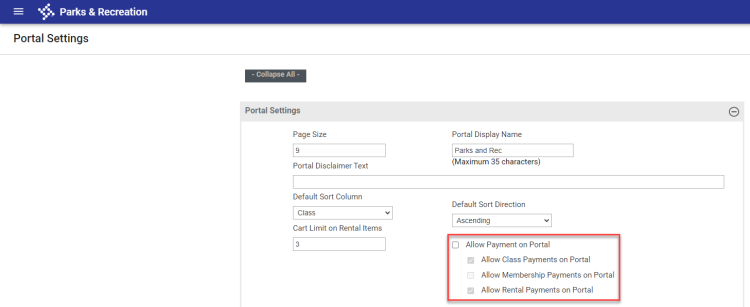
Allow Payment on Portal Settings
Administration > System Setup > Portal Settings
Checkboxes to let you control whether payments can be made on the citizen portal for classes, memberships or rentals have been added to the Portal Settings area in System Setup:
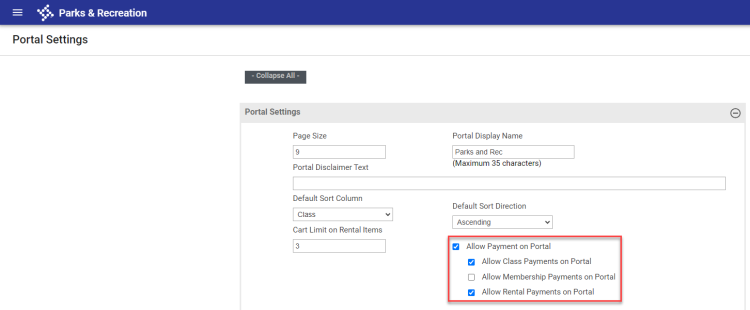
Mark Allow Payment on Portal to enable the checkboxes for class, membership and rental payment types.
Mark the payment types to allow, and click Save.
To disable all payment types, clear the Allow Payment on Portal checkbox: